1). Download and unzip your version of neo4j.

2. Installation:
cd neo4j-community-1.9.RC2/
sudo bin/neo4j install
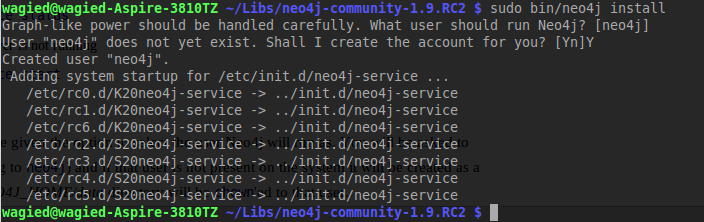
3. Start the Neo4J server. The recommended way is by running it as a unix service

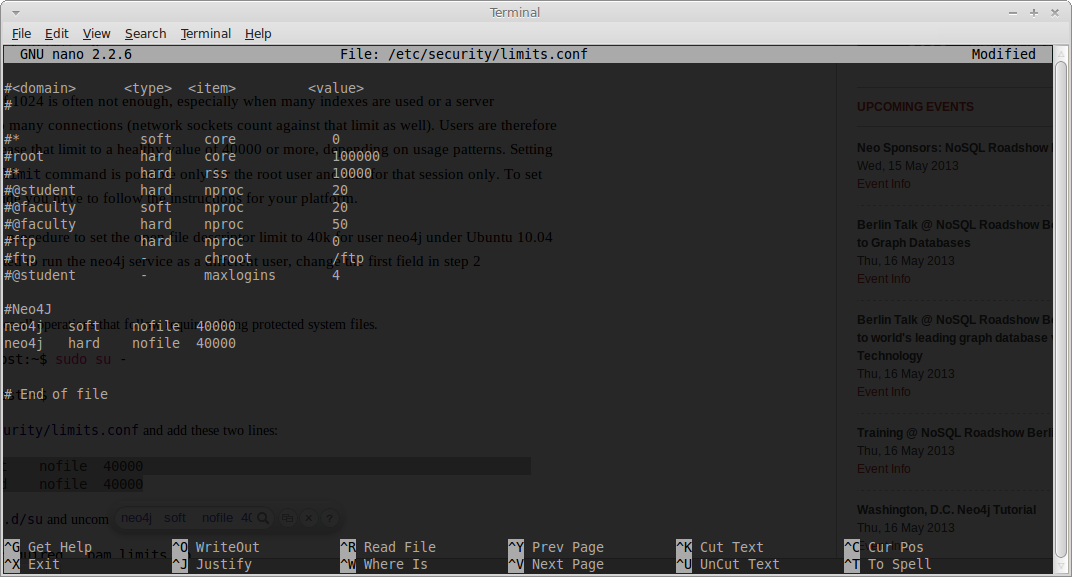
4. Increase the ulimit to 40000 by editing /etc/security/limits.conf
sudo vim /etc/security/limits.conf
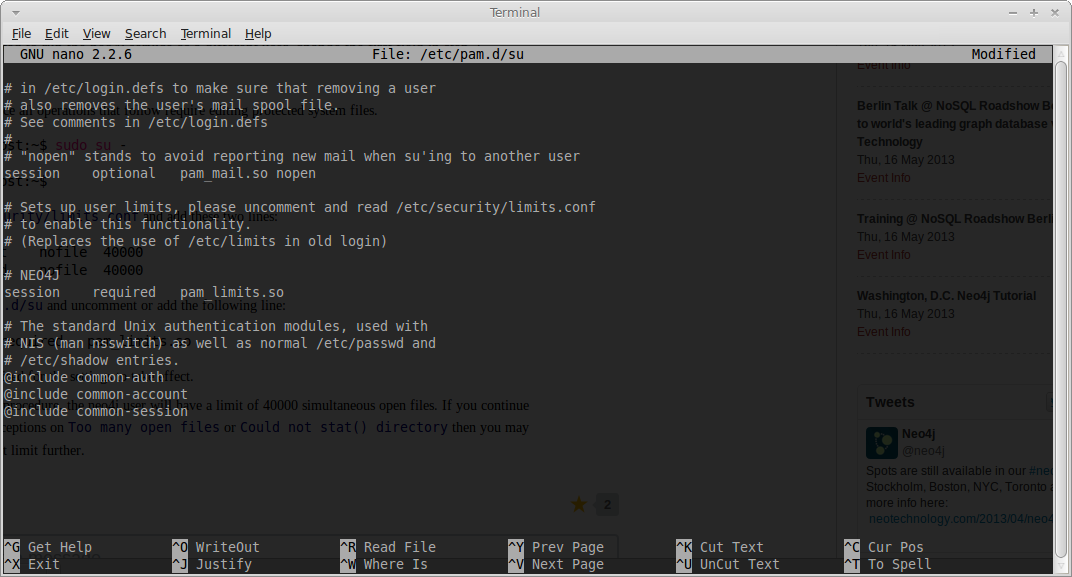
5. Edit /etc/pam.d/su
sudo vim /etc/pam.d/su
6. System reboot to take effect!
OR
Edit your .bashrc and add this line:
sudo -i
vim /root/.bashrc
# Add the line below
ulimit -n 40000
7. Start the service
sudo service neo4j-service start

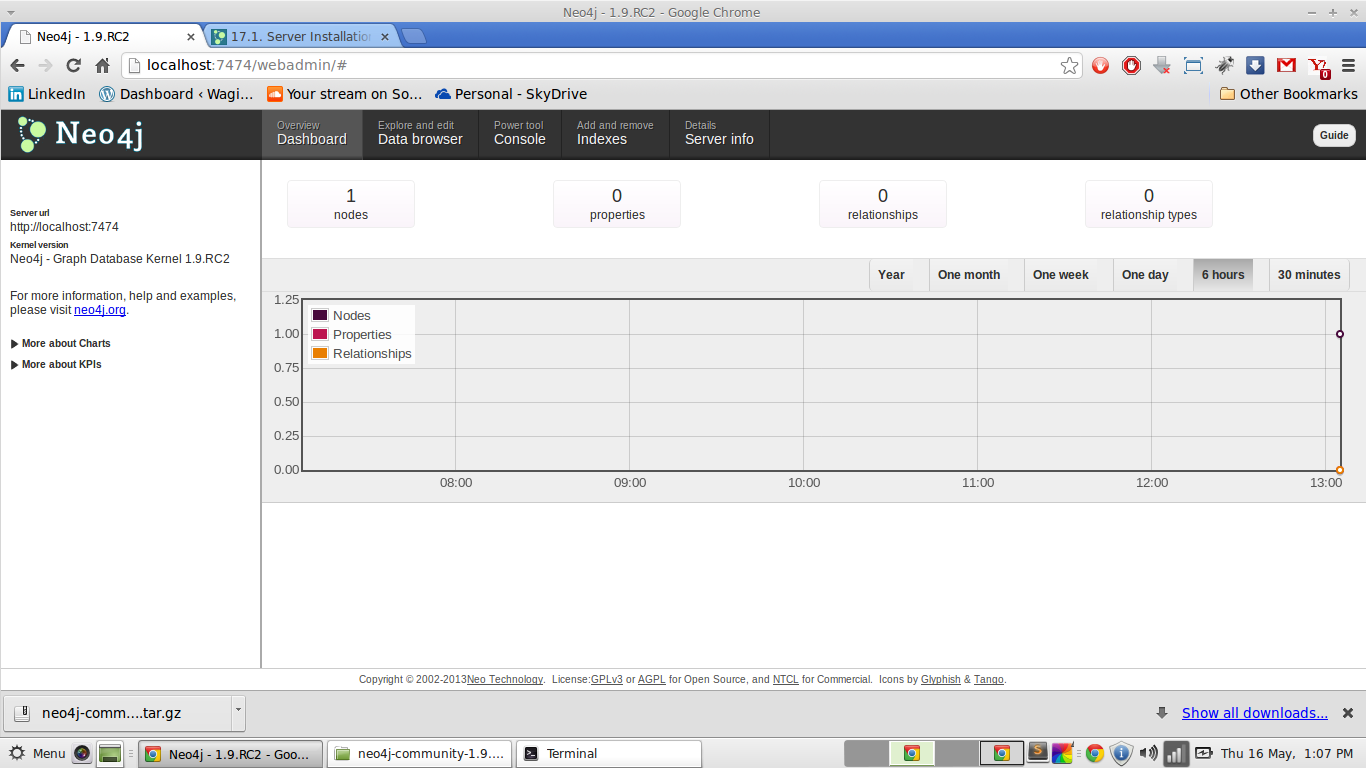
8. Open a browser http://localhost:7474/webadmin/#
 Algorithms